Growth · Media studio
Product photos that suit your menu.
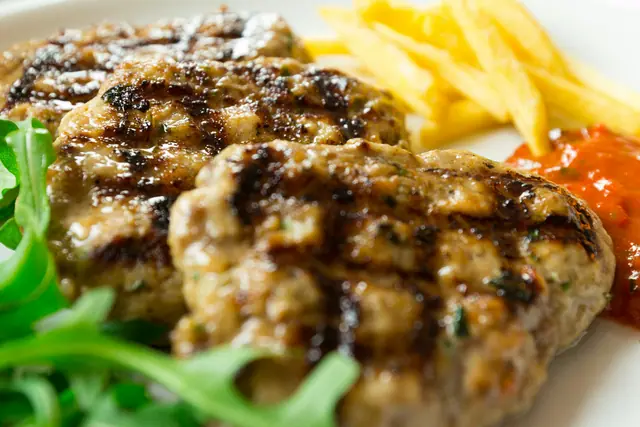
Fix the light, colour and background of a phone photo. You see the result first and apply it yourself.
- Background, angle and aspect ratio are selectable.
- Every action's credit cost is written on the button.
- Items without a photo can get a representative image, shown with a 'representative' note.
How it works
Three steps, no setup.
Pick a photo
The phone photo of the dish.
Choose settings
Surface, angle, ratio; the cost is on the button.
Apply
Compare before/after and apply.
Try it yourself
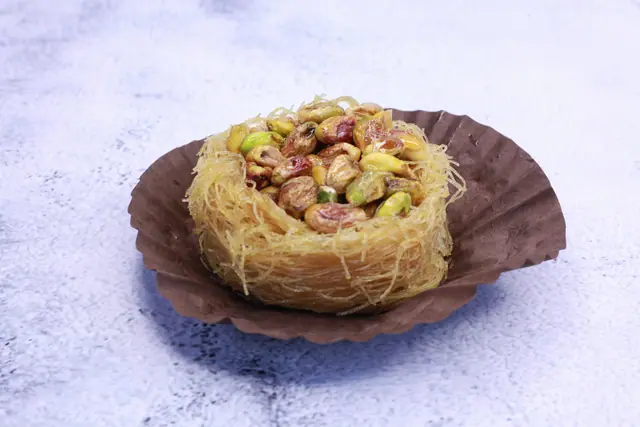
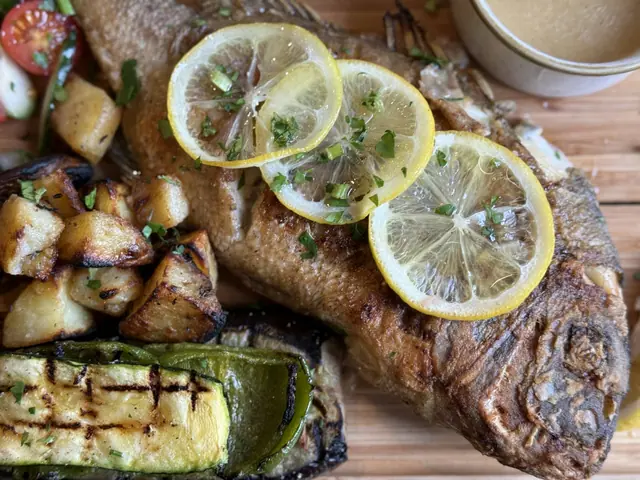
Pick a dish photo
Choose a plate photo from your phone and see right away how it looks on the menu. After sign-up, the studio enhances it and turns it into a video.
Your photo is only shown on this device; it is not sent to our server or stored. Photos you upload after sign-up stay in your account until you delete them.
Included in your plan
Media studio
In the Starter, Growth, Premium plans.Cost per action: 6 credits.
Frequently asked
Will my dish be changed?
No. Nothing is added to the food; light, colour and background are adjusted.
Images with people or alcohol?
They are rejected; a content check runs before processing.
Where do credits come from?
Every plan has monthly credits; extra packs are available.