Solutions · Café
A photo-first QR menu for your café
Coffee, cakes and breakfast on one screen. Guests filter for vegan or gluten-free and find what they want right away.
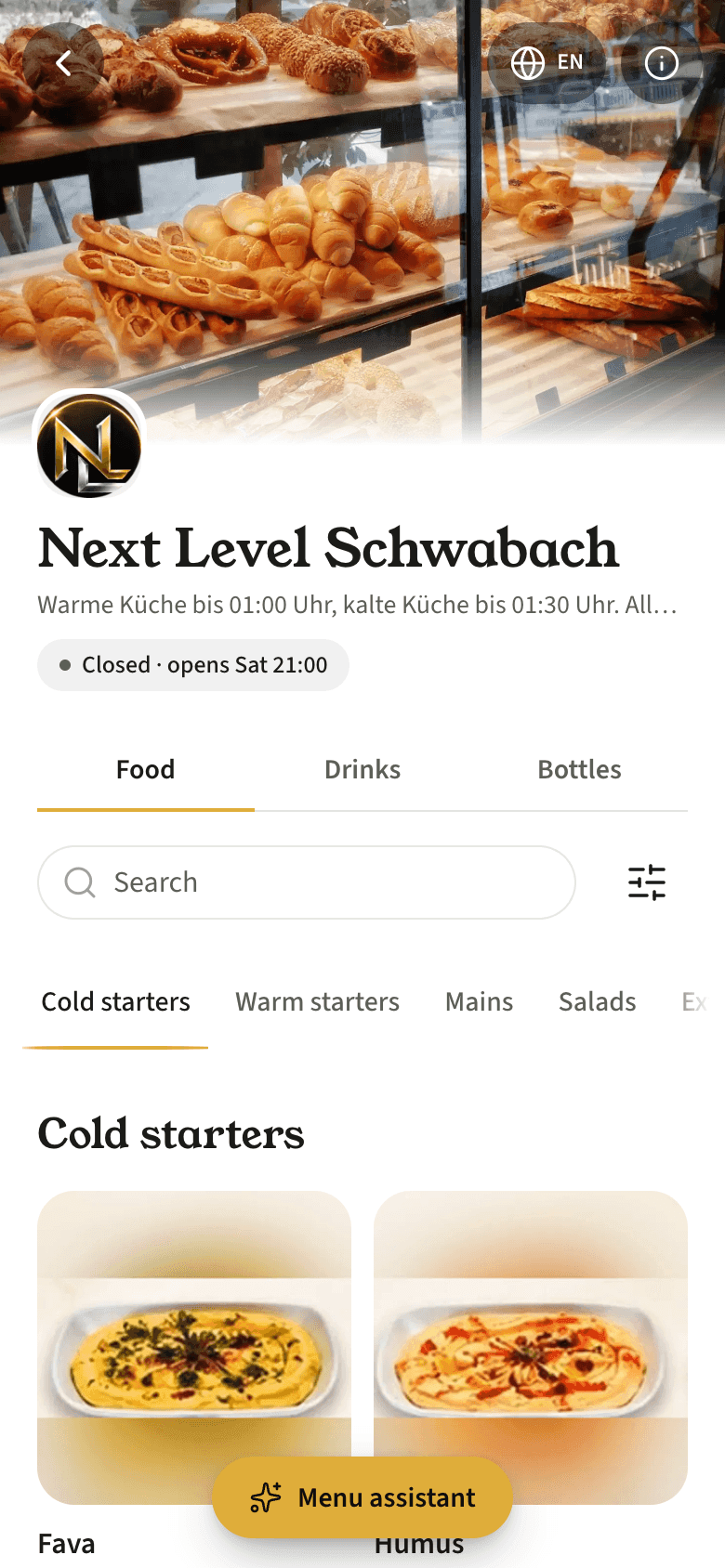
Photos up front
The Bakery theme shows your photos large. Enhance the ones you have in the media studio, or give items without a photo a sample image labelled "Representative image".
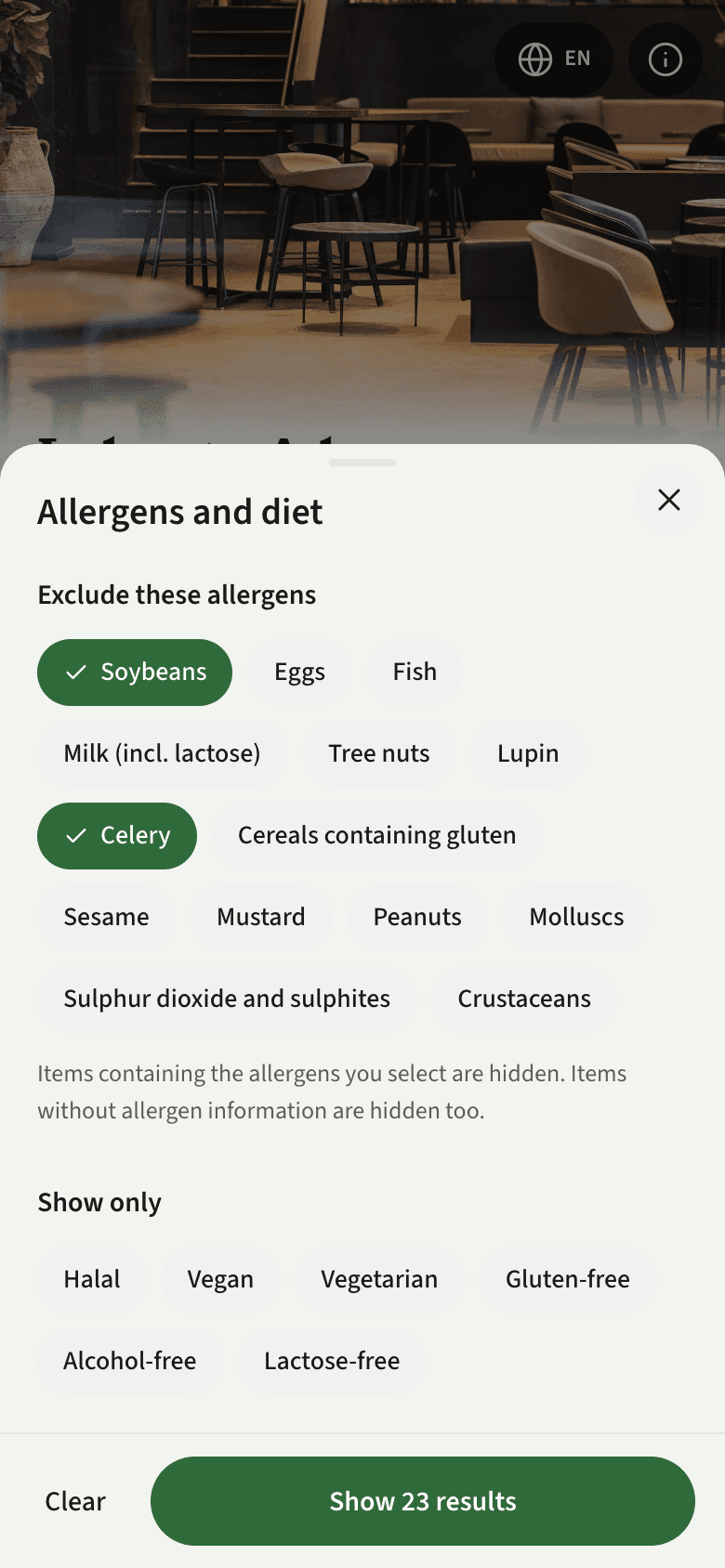
Diet filters
Mark items as vegan, vegetarian, gluten-free or lactose-free and guests filter the menu accordingly. Allergens show on every item.
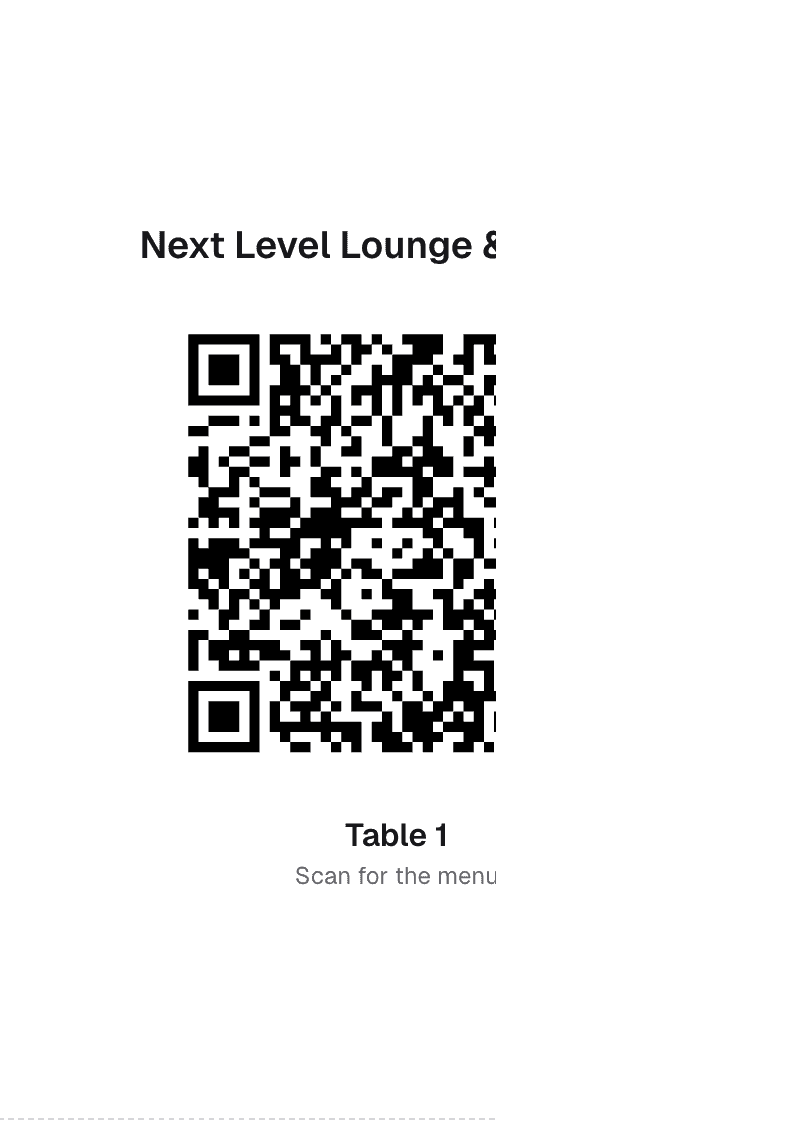
The table QR never changes
Print the table QR once. Change a price and the menu updates within seconds, with no reprint.
Frequently asked questions
Do guests need to install an app?
No. After scanning, the menu opens in the browser. No sign-up, no app and no cookie banner.
Does the QR change when I change a price?
No. The address behind the code never changes. You save, the code on the table stays the same, and the menu updates within a second.
How does the trial work, and is it easy to cancel?
You get 14 days on the Pro plan without a credit card. After that you move to the free plan and your menu stays live. Paid plans are billed monthly and you can cancel any month, with no setup fee and no minimum term. Yearly plans come with a 30-day refund.
Get your menu live tonight.
14 days free, no credit card needed. Your menu stays live after the trial.